Adding a VPN subscription to another device
A step-by-step guide for those using VPN on multiple devices
1. Purchase a subscription for 2 or more devices via the bot @rmnp_bot.
2. Tap the «Connect» button and follow the link — the bot will generate your personal link and QR code.
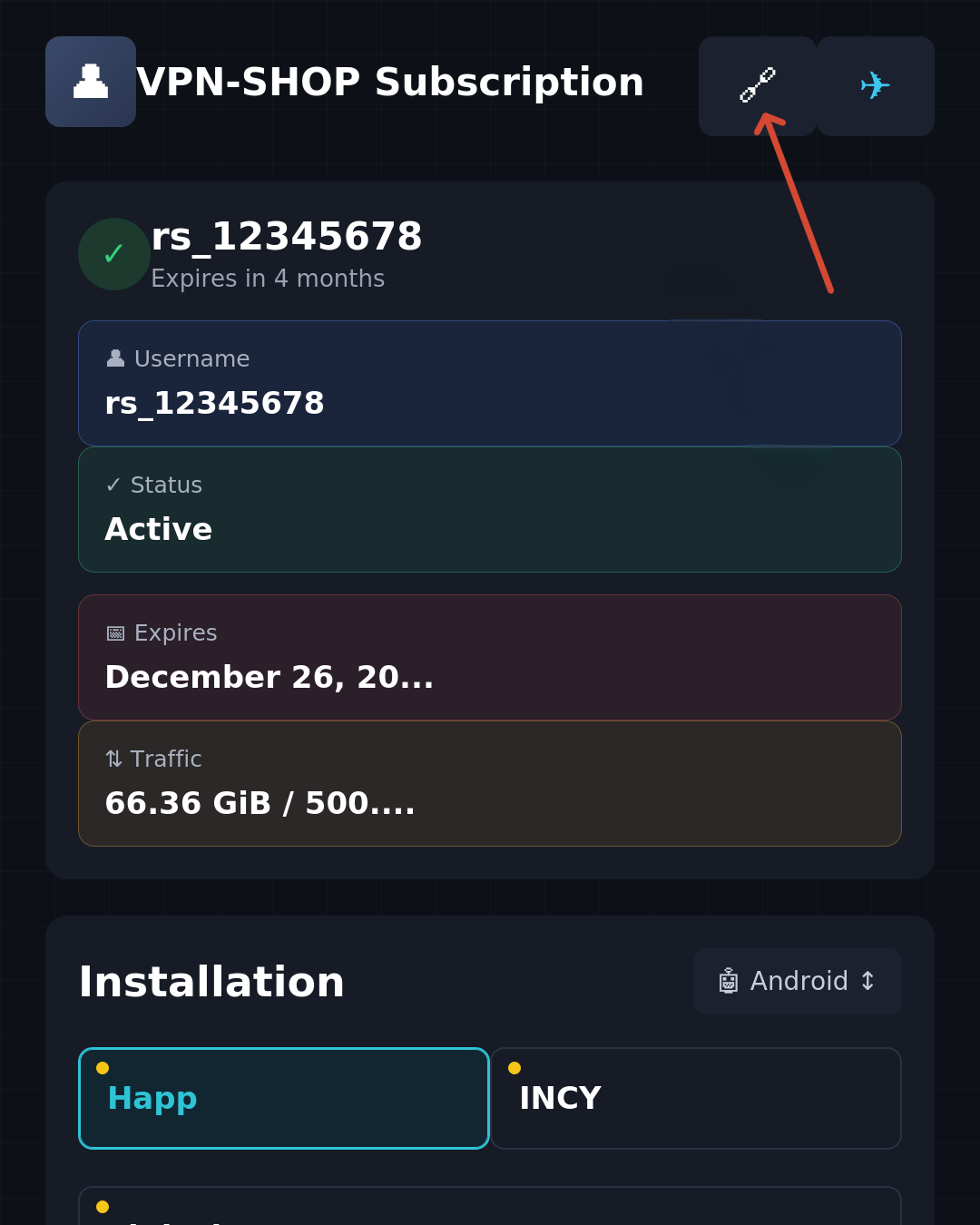
fig. 1
3. In the window that appears, tap the icon shown in fig. 1. This opens the menu for getting the link or QR code.
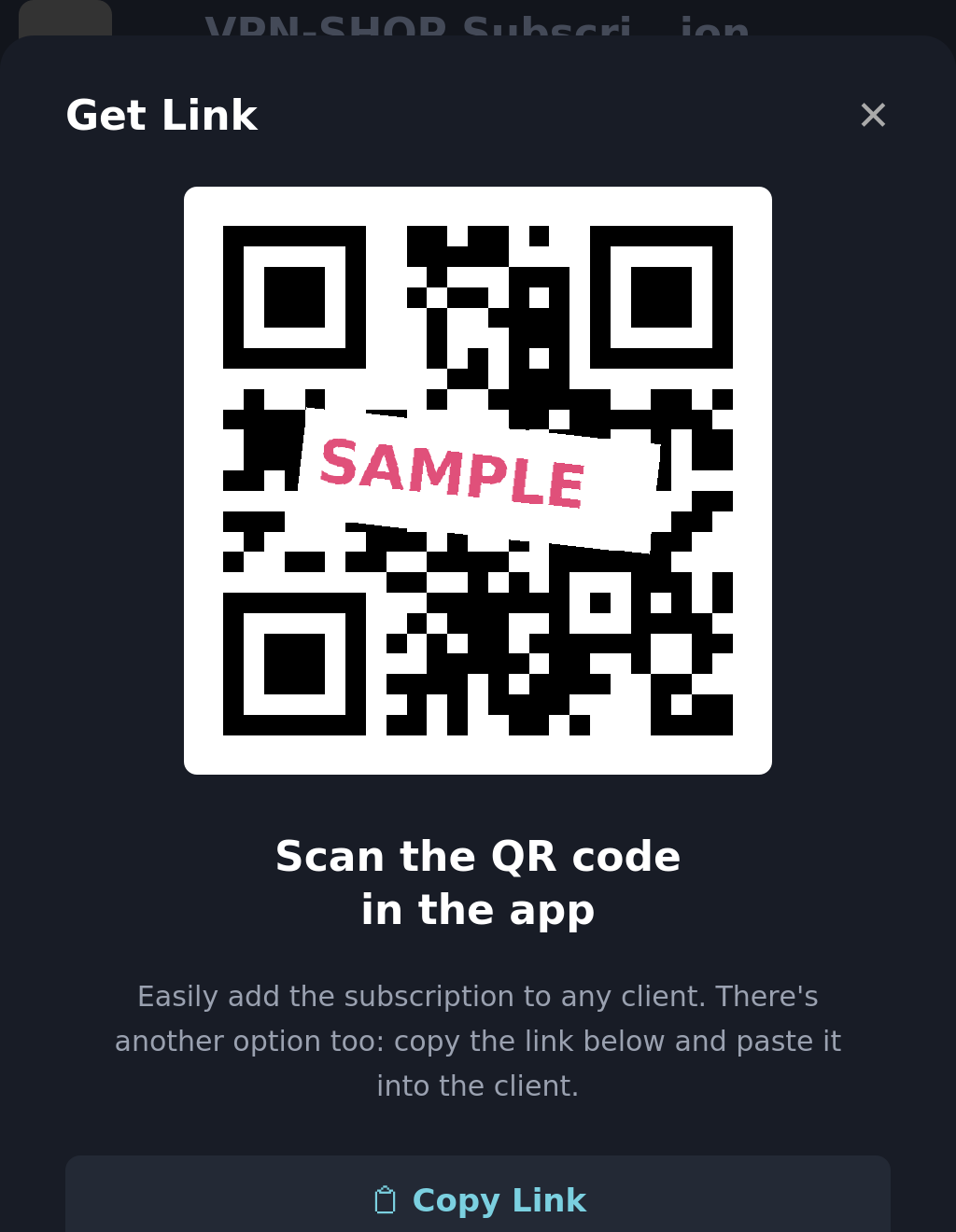
fig. 2
4. Scan the QR code with the other device, or copy the link and send it to that device any convenient way: email, messengers, etc.
5. Follow the link on the new device, install the app, and connect the device. Detailed instructions are available here: https://shield.datapath.cc/en/article-vpn-shop.html#happ-windows